Ticketmaster Tickets Not Showing: Barcodes, Missing Orders and Errors
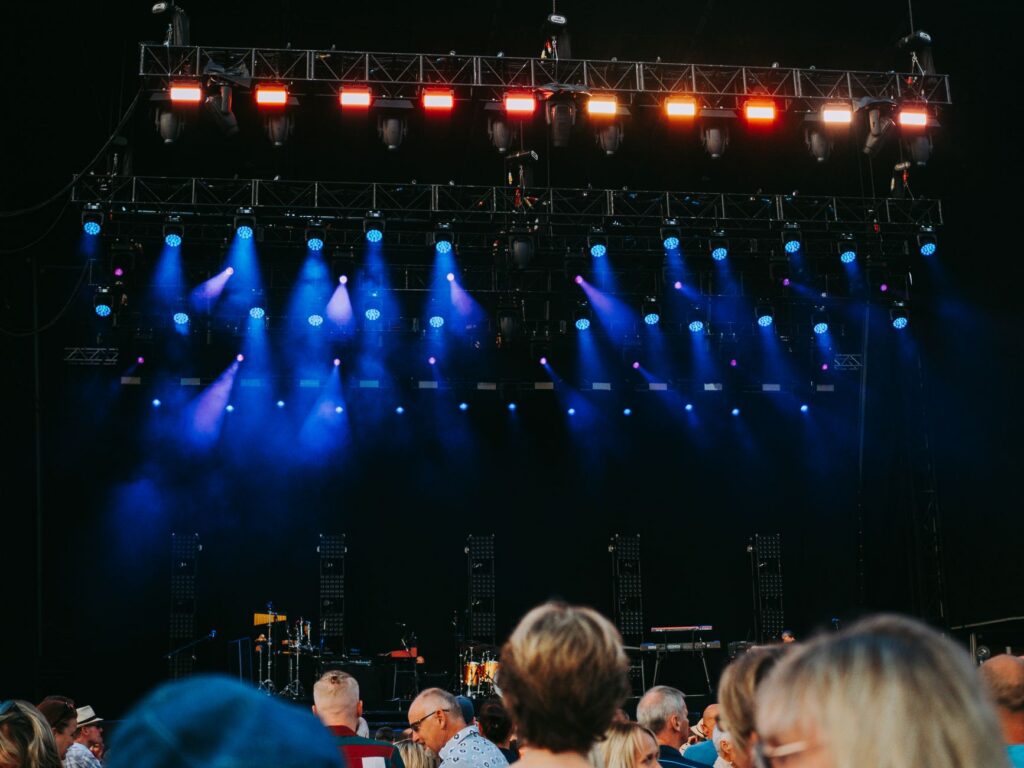
If your Ticketmaster tickets for a holiday concert or game are not showing, the most common reason is timing: for some events the barcode is released closer to the date, typically within three days before the event. If the whole order is missing, you are usually signed in with a different email address than the one that got the confirmation. Purchase errors mostly point to a payment problem, an expired seat hold or activity that Ticketmaster’s security checks flagged.
Why can’t I see my mobile ticket barcode yet?
Many events hold back the barcode on purpose. According to Ticketmaster Help, barcodes for some events become available closer to the event date for security reasons, typically within three days before the event. The event organizer decides this, and the reasons Ticketmaster lists include:
- checking that every buyer stayed within the event’s ticket limit
- confirming that nobody used unfair software to buy tickets in bulk
- preventing fraud and abuse
The exact release time for your event is in your purchase confirmation email, on the order in your Ticketmaster Account, or on the event page. When the tickets are ready, you can see them on the website and in the Ticketmaster App and add them to your mobile wallet. A screenshot of the barcode will not get you in.
What does “Your order is in progress” mean?
It means Ticketmaster is still verifying the purchase. Tickets usually appear within an hour after verification finishes, though the timing can vary. Check your account from time to time instead of buying again.
Can I add tickets to Apple Wallet or Google Wallet early?
Sometimes. If the Add to Wallet option is showing, you can add eligible tickets to your wallet before the barcode appears in the app. You do not have to use a wallet at all if you can show the ticket and barcode in the Ticketmaster App at the gate. On a new phone, sign in with the same Apple ID or Google account you normally use for your wallet.
What should I do while I wait for the barcode?
- Sign in with the account you used to buy the tickets.
- Update the Ticketmaster App to the latest version.
- Open your order confirmation in Ticketmaster Account and note the release time.
If it is the day of the event and the tickets still will not load, go to the venue’s Mobile Resolution Window. It is usually near the main entrance and opens about 90 minutes before the event or showtime. Bring your order number, a valid photo ID matching the name on the order, and the card you paid with or its last four digits.
How do I find an order that is missing from my account?
Start from the confirmation email. The steps on Ticketmaster’s missing order page are:
- Open the confirmation email and click View Your Tickets or Claim Your Tickets. The button leads you to the account that holds the tickets.
- Sign in with the same email address the confirmation was sent to.
- If you get an error because you are signed in with a different address, choose Sign In With a Different Account and use the right email.
- Once you are in the correct account, the order shows up under My Tickets.
If you keep more than one Ticketmaster Account under different emails, search each inbox for the confirmation or sign in to each account. Tickets bought in separate orders get separate order numbers even under one email, so open every order for the event in My Tickets. Transfers sent separately also arrive under their own order numbers, and pending transfer offers can land in spam or junk folders.
A few more cases:
- Tickets bought on a resale site such as StubHub and transferred to you show a $0.00 total on the Ticketmaster receipt, because Ticketmaster did not charge you. If only some of them arrived, contact the seller you bought from.
- Sports and theater tickets may sit in a team or venue account instead. You can find those branded sites by searching on am.ticketmaster.com, and problems with them go to the team or venue’s own support.
- If you typed the wrong email when you created your account, sign in on the desktop site and fix it under Profile Details. The app cannot make this change. If the update fails, contact Fan Support.
I see a pending charge but no order. Should I buy again?
Check your account first. If an order went through, its status appears on the page right after you sign in. Ticketmaster says to try the purchase again only if you see no order and got no confirmation email. The same check applies to checkout errors on other shopping sites, where a second attempt can mean a second charge.
What do Ticketmaster’s purchase error messages mean?
The Ticketmaster error message page groups the common errors by fix. Where an error gives its own instructions, follow those first.
Payment errors mean you should re-enter your card details, use another payment method or call your bank:
- Your Payment Provider Has Declined This Transaction
- Payment Declined Due to Invalid CVV
- Payment Declined Due to Incorrect Expiration Date
- We Are Unable to Process Your Request
- An Error Has Occurred
Hold and inventory errors mean you need new seats, or you have to finish the purchase without the item that sold out: Time’s Up, Something Went Wrong, This Page Has Expired, Payment Has Failed, Parking No Longer Available and Extra Item No Longer Available. If these keep coming back, disconnect from your internet connection, reconnect and submit again.
Other messages and what to do:
- APIError: clear the app cache, or use the mobile site instead of the app.
- Your Browsing Activity Has Been Paused: the site saw repeated refreshes or clicks in a short time. It is usually temporary. Next time, turn off browser extensions or automated tools and stop refreshing.
- We’ve Paused Activity Due To High Activity On Your Network: many people share your connection, as at an office, school or public wifi. Switch to mobile data and wait a few minutes.
- We Need To Confirm It’s You: sign out, then sign back in and complete verification with a quick selfie and a photo ID.
- Your Session Needs To Be Verified With A Quick Refresh: turn on cookies and JavaScript and refresh once. If it repeats, sign out and back in.
- Verify You Are Human: complete the checkbox reCaptcha. If the error persists, sign in first, or if you are already signed in, sign out, close the tab, reopen the browser and sign in again.
- VPN or privacy tool detected: turn off the VPN or Apple Private Relay, or switch to a mobile network, then refresh and sign in. If you are still blocked, change network or device, wait five minutes and retry.
Your browser also has to accept cookies and graphics for checkout to work. Error screens in other apps follow a similar pattern, as in our guide to DoorDash orders not going through.
Quick answers
Will a screenshot of my ticket work at the gate?
No. Ticketmaster says screenshots are not valid for entry. Show the live ticket in the app or your mobile wallet.
Where do I find the barcode release time for my event?
It is in your purchase confirmation email, on the order in your Ticketmaster Account and on the event page.
Why does my resale ticket show a $0.00 total?
Tickets transferred to you by a third party seller show $0.00 on the Ticketmaster receipt because Ticketmaster did not charge you for the transfer.
Can I change my account email in the app?
No. Sign in on the desktop site and update it under Profile Details, or contact Fan Support if that fails.
Checked against official sources in November 2026. Apps, menus and error codes change: check the official help page for the current steps.