AirPods Won’t Connect: Fixes, Pairing Steps and Reset
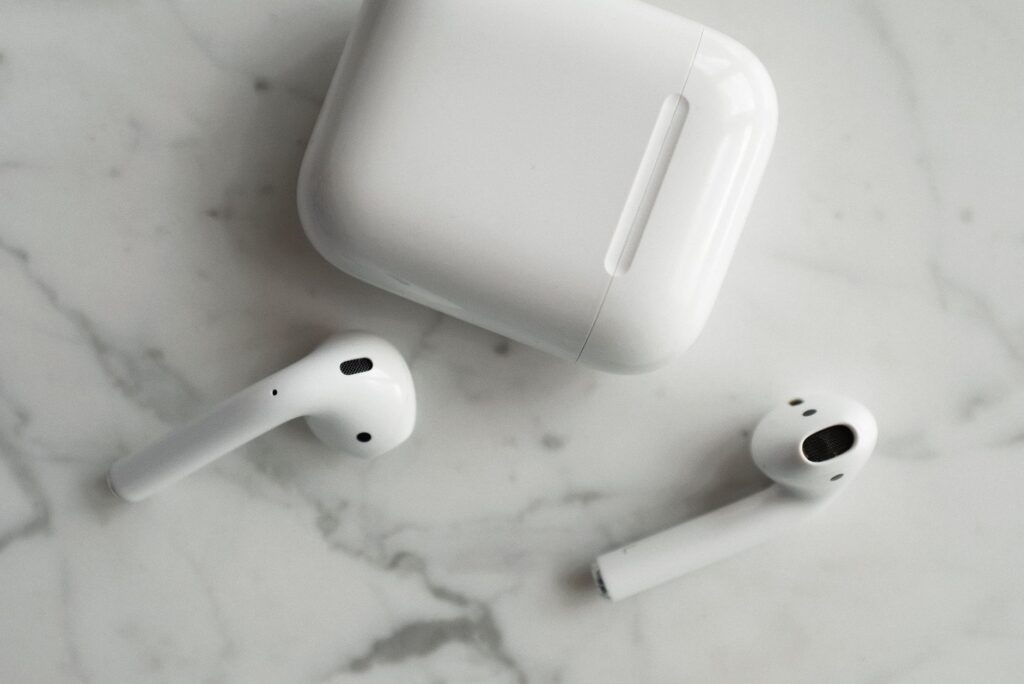
When AirPods or AirPods Pro will not connect to an iPhone, iPad or Mac, the fix Apple recommends is to pair them again. Update the device, charge both earbuds in the case, check that Bluetooth is on, then put the AirPods back in the case and start a fresh pairing. If that fails, reset them. Apple’s steps are in its support article If your AirPods or AirPods Pro won’t connect.
What should I check first?
Start with the basics, in this order:
- Update your iPhone or iPad to the latest version of iOS or iPadOS, or update your Mac to the latest version of macOS.
- Put both AirPods in the charging case and make sure both are charging.
- Make sure Bluetooth is on. On an iPhone or iPad, open Settings and tap Bluetooth. On a Mac, choose the Apple menu, click System Settings, then click Bluetooth.
- Take the AirPods out of the case and put them in your ears.
Then open the Bluetooth list on your device. If the AirPods appear, select them and play audio to test. Apple points out that the device volume has to be turned up. If they do not appear, or they appear and still will not connect, move on to re-pairing.
How do I pair AirPods again?
Put both AirPods back in the charging case and close the lid. Wait 15 seconds, then open the lid.
On a Mac, pair the AirPods with the Mac manually from the Bluetooth settings. On an iPhone or iPad, the next step depends on the model:
- AirPods 4 (both models) and AirPods 5 (both models): double-tap the front of the case until the status light flashes white.
- AirPods Pro 3: double-tap the front of the case until the status light flashes white.
- All other models: press and hold the setup button on the back of the case until the status light flashes white.
Hold the case, with the AirPods inside and the lid open, next to your iPhone or iPad and follow the instructions on the screen.
What if AirPods still will not connect?
Apple’s next step is to reset the AirPods. The reset procedure has its own steps on Apple’s support site, so follow the current version there rather than a copy from memory, since button timings and light colors can differ by model.
AirPods Max have separate pages. Apple’s article links to instructions for connecting AirPods Max to an iPhone or iPad and to a Mac.
Is it the AirPods or the Bluetooth connection?
Apple has a second article, If a Bluetooth accessory won’t connect to your iPhone or iPad, for accessories such as wireless keyboards. Several of its checks also help with earbuds:
- Keep the accessory and the device close to each other if they were paired before.
- Turn the accessory off and back on.
- Confirm the accessory is on and fully charged or plugged into power.
- If an app uses the accessory, open Settings, tap Privacy & Security, select Bluetooth and make sure Bluetooth is turned on for that app.
If an accessory was connected before, unpair it, put it back in discovery mode and pair it again. If it pairs with other devices but not your iPhone or iPad, unpair it from those other devices first, then try your own again. Apple says to contact the accessory’s manufacturer to find out whether an accessory is compatible with your device.
Apple says to contact Apple Support if you cannot turn Bluetooth on or the setting is grayed out, if no Bluetooth accessory will connect to your device, or if the manufacturer confirmed that your accessory works correctly.
What about other connection problems on the same device?
If Bluetooth looks fine but other features also fail, the problem may be wider than the earbuds. Guides on this site cover Personal Hotspot problems on iPhone and iCloud sign-in and sync problems. Apple also has an article on pairing a Bluetooth accessory with an Apple TV, which is linked from its accessory page, and this site has a guide on fixing Apple TV playback.
Quick answers
Do I need to update my iPhone before re-pairing AirPods?
Apple lists updating to the latest iOS, iPadOS or macOS as the first step. Do it before you start the pairing steps.
How long do I wait with the AirPods in the case?
Apple says to close the lid, wait 15 seconds, then open it again.
Which button puts my AirPods in pairing mode?
It depends on the model. AirPods 4, AirPods 5 and AirPods Pro 3 use a double-tap on the front of the case. All other models use the setup button on the back, held until the light flashes white.
Who do I contact if Bluetooth is grayed out?
Apple Support. Apple lists a grayed-out Bluetooth setting as one of the cases to contact it for.
Checked against official sources in November 2026. Apps, menus and error codes change: check the official help page for the current steps.