DNS Errors Explained: NXDOMAIN, Server Not Found and Fixes
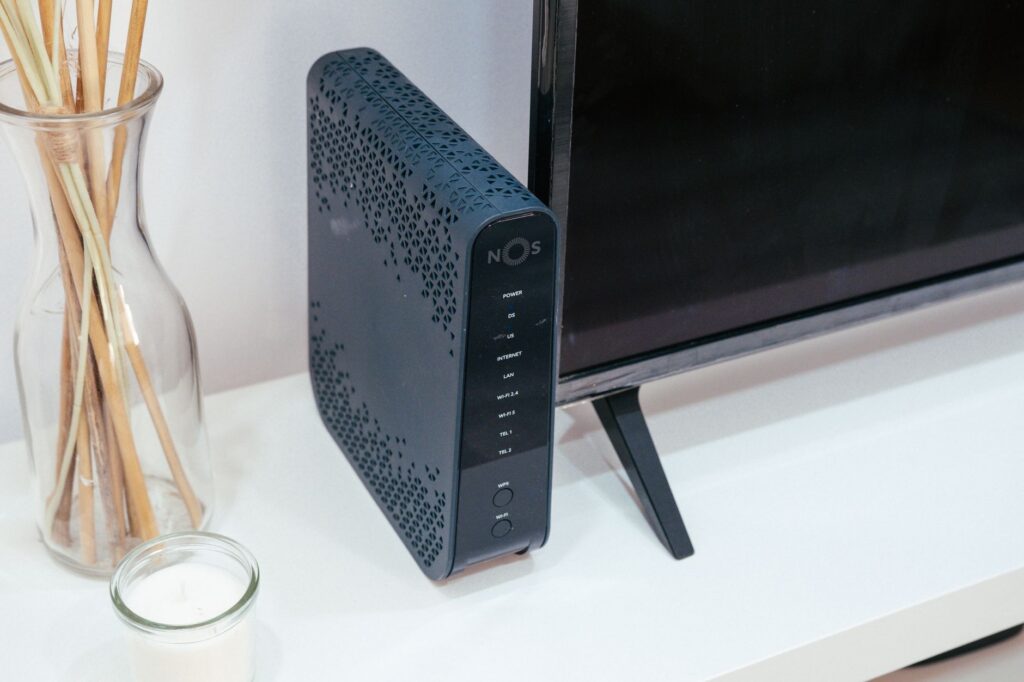
A DNS error means your device could not turn a website name into an IP address, so the page never started loading. Chrome shows messages such as DNS_PROBE_FINISHED_NXDOMAIN or “This site can’t be reached”, and Safari says it “can’t find the server”. The cause is a mistyped name, a site that no longer exists, or a problem with your network, router or DNS settings.
What does a DNS error mean?
DNS is the system that looks up the number address behind a name such as example.com. When the lookup fails, your browser has nowhere to connect, so the website’s own servers are never reached. That is why a DNS error on its own does not show a website outage, although it can sometimes accompany one if the site’s DNS records are broken.
The wording varies by browser and device:
| Message | Where you see it | Meaning |
|---|---|---|
| DNS_PROBE_FINISHED_NXDOMAIN | Chrome and other Chromium browsers | The DNS lookup finished and found no record for that name (NXDOMAIN means the name does not exist) |
| DNS_PROBE_POSSIBLE | Chrome | A Chrome message about its own DNS check; treat it as a lookup problem on your side |
| ERR_NAME_NOT_RESOLVED | Chrome | Per Chrome Help: the hostname does not exist or has a different IP address now |
| “Safari can’t find the server” | Safari on iPhone and Mac | Safari could not find or reach the site’s server; check the address and your network |
| “Server IP address could not be found” | Chrome and other browsers | The lookup returned no address for the site |
Chrome Help lists ERR_NAME_NOT_RESOLVED in its page on Chrome error messages. We could not confirm the exact meaning of DNS_PROBE_POSSIBLE in a Google help page, so the table describes it only as Chrome’s DNS check.
How do I fix a DNS error?
Work through these steps in order and test the site after each one.
- Check the address. A single wrong letter or a stray character at either end of a pasted link gives a “not found” result.
- Try another site. If other sites load, the problem is specific to this name. If nothing loads, your connection is the issue; see internet down at home.
- Try another network. Switch to mobile data. Apple’s Safari troubleshooting advice also starts with loading the site on cellular or a different Wi-Fi network (Apple Support). If it loads, see works on mobile data but not Wi-Fi.
- Restart the router and the device. Unplug the router for 30 seconds, plug it back in and wait until its lights settle.
- Turn off a VPN, proxy or content filter for the test. Apple lists VPNs and security software among the things that can block content from loading. Turn them back on afterward.
- Clear the DNS cache. Your device remembers failed lookups for a while. See how to flush the DNS cache.
- Check custom DNS settings. If you or an app set a DNS server by hand, switch back to the automatic option and test again.
Is the website down if I get a DNS error?
Not necessarily. A DNS error says the name did not resolve for you. Compare it with another network and the company’s status page. If the site fails to resolve everywhere, the domain may be expired, misconfigured or removed. For services we track, you can check the live status first, for example live Cloudflare status if the site uses Cloudflare, though a company’s own domain problems may not appear there.
Compare this with an HTTP error such as 503. With those, DNS worked and your device reached a server, which then reported a problem. Our HTTP error codes guide covers that case.
What if the error appears only on Wi-Fi?
That points at the router or its DNS settings, because the same phone resolves names normally over mobile data. Restart the router first. If the error returns, look for a DNS or filter setting in the router’s app or in the provider’s account tools. Do not change router security settings you do not understand. Your internet provider’s support can check the line.
Which fixes should I skip?
Skip “DNS repair” programs and browser extensions that promise to fix the error. Install software only from the official app stores or the operating system’s own settings. Do not paste commands from a random forum into a terminal if you cannot say what they do. The steps above use only built-in settings.
Bottom line
A DNS error is a failed name lookup, not proof of an outage. Check the address, test another network, restart the router and clear the DNS cache. If the name fails everywhere, the site’s own domain is the likely cause and only its owner can fix it.
FAQ
What does NXDOMAIN mean?
NXDOMAIN means “non-existent domain”. The DNS lookup completed and found no record for that name.
Can a DNS error be caused by my internet provider?
Yes. If the provider’s DNS servers are down, many sites fail to resolve at once while mobile data still works. Check your provider’s outage page and test another network.
Will changing my DNS server fix the error?
It can, if the current server is the problem. Change it only through the device’s or router’s own settings, and note the old value so you can switch back.
Why does Safari say it can’t find the server?
Safari shows it when it cannot locate or reach the site’s server. Check the address first, then test another network, as Apple’s guidance advises.