Internet Down at Home? Find the Cause in Five Checks
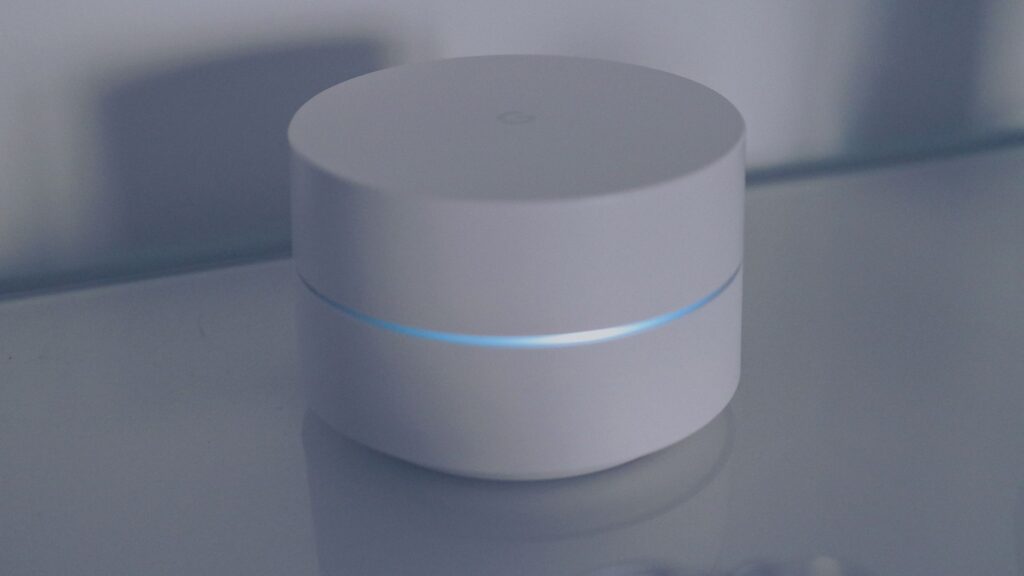
If every device at home is offline, even over a cable, the fault is usually your modem or your internet provider. If wired devices work but Wi-Fi does not, the router or Wi-Fi is the problem. If only one device is offline, the problem is that device. Running the five checks below usually takes ten minutes.
How can I tell if it is my provider, router or Wi-Fi?
| What you see | Likely cause | First step |
|---|---|---|
| Every device offline, wired and Wi-Fi | Provider outage or modem fault | Check the provider’s outage page, restart modem and router |
| Wired device works, Wi-Fi does not | Router or Wi-Fi | Restart the router, move closer |
| Wi-Fi connected, some sites fail | DNS or a filter | See DNS errors explained |
| One device offline, others fine | That device’s settings | Toggle Wi-Fi, restart the device, forget and rejoin the network |
| Internet slow but connected | Congestion, many devices or a provider fault | Pause big downloads, restart the router |
What are the five checks, in order?
- Test mobile data. Turn off Wi-Fi on your phone and load a site on cellular. If it loads, your phone and carrier work and the issue is at home. If the site is a service you rely on, check its status, for example live YouTube status.
- Test several devices. If a laptop and a phone both fail, the issue is not one device.
- Look at the lights. The modem and router usually show a status light for internet and one for Wi-Fi. A red, off or blinking internet light often points to the provider side, but the meaning differs by model, so check the device’s manual or the provider’s help page.
- Restart in the right order. Unplug the modem and the router, wait 30 seconds, plug in the modem first, wait until its lights settle, then plug in the router.
- Check the provider’s outage page or app. See the next section.
How do I check my provider’s outage page?
Most large providers offer an outage or service status tool in their account app or on their website. It may need you to sign in so it can check your address. Use only the official app or the address you type yourself. Our pages show the status of major providers, including live Xfinity status, live Spectrum status, live AT&T status and live Verizon status. They can lag a provider’s own account tool, so treat the provider’s page as the one that knows your address.
If your internet is down, use your phone’s mobile data to open the provider’s app. Providers often offer text or push alerts for outage updates, and the app usually lets you report a problem. Do not search for a support number. Use the number printed on your bill or shown in the official app, because fake support numbers appear in search ads.
What if only the Wi-Fi is down?
- Connect a computer to the router with an Ethernet cable. If it works, the internet connection is fine and the Wi-Fi is the issue.
- Restart the router. A restart clears many temporary faults.
- Move closer. Walls, floors and distance weaken the signal.
- Check the other band. Many routers broadcast two bands, often called 2.4 GHz and 5 GHz, and one may work better than the other in a given room.
- Forget the network and rejoin. You will need the Wi-Fi password, so keep it handy. Never share it with someone who contacts you unprompted.
If a site works on mobile data but not on Wi-Fi, see works on mobile data but not Wi-Fi.
What if the internet is down and my phone has no service either?
Then the cause may be wider than your home, such as a local power or network problem. Check whether the power is on, whether neighbors have service and whether your carrier reports trouble. See is my phone carrier down. For a large service going offline for everyone, see what to do during an outage.
When should I call the provider?
Call or message your provider if:
- Its outage page shows no problem and a restart in the right order did not help.
- The modem’s internet light stays off, red or blinking after the restart.
- The outage page shows a problem for your address and gives no time to repair, or the repair time has passed.
- The service keeps dropping several times a day.
Give them your account address, the time the problem began, which lights are on and what you already tried. Ask whether a technician visit is needed and whether they offer a credit. Credit policies differ by provider and change over time, so read the current terms on the official site.
Bottom line
Test mobile data, compare devices, read the modem lights, restart in the right order and check the provider’s outage tool. If everything wired and wireless is offline, the provider or modem is the likely cause. If only Wi-Fi fails, work on the router.
FAQ
Why is my internet down but the Wi-Fi shows connected?
Your device can join the router even when the router has lost its link to the provider. Check the router’s internet light and test an Ethernet connection.
How long should I leave the router unplugged?
About 30 seconds is the usual advice. Then wait for the modem lights to settle before plugging in the router.
Can a provider outage affect only my street?
Yes. Faults can be local, so neighbors’ experience and your provider’s address-based outage tool are better guides than a national map.
Should I reset my router to factory settings?
Not at first. A factory reset erases your Wi-Fi name, password and provider settings. Restart and check the provider first.