Website Works on Mobile Data but Not Wi-Fi: Causes and Fixes
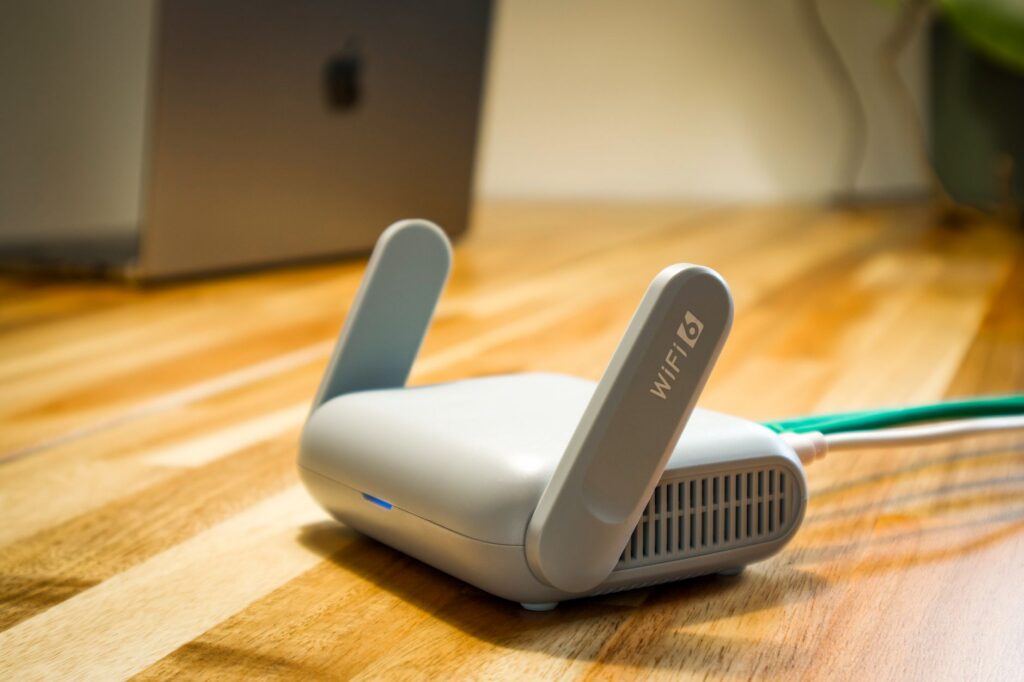
If a website or app works on mobile data but not on Wi-Fi, the service itself is up and the cause lies on the Wi-Fi path: the router, the DNS servers it hands out, a filter or a VPN. If it works on Wi-Fi but not on mobile data, check your carrier’s coverage, the data setting and any restrictions in the app. Work through the checks below in order.
Why does a site work on mobile data but not Wi-Fi?
Mobile data and Wi-Fi use different routes to the internet, so a fault on one leaves the other working. The usual causes on the Wi-Fi side are:
- The router needs a restart or has a temporary fault.
- The router or your provider’s DNS server is failing to look up the site. See DNS errors explained.
- A filter or parental control on the router or provider blocks the site.
- A VPN or security app on the device is interfering.
- Your internet provider has a problem with that connection.
Apple’s support page for Safari problems makes the same point: its first step is to try loading the site over cellular data or a different Wi-Fi network, to learn whether your network is the cause (Apple Support).
What should I check first?
- Confirm the service is up. If it loads on mobile data, it is up for you. For extra assurance, look at the service’s page on our site, such as live YouTube status.
- Test a second device on the same Wi-Fi. If it fails too, the problem is the router or provider. If it works, the first phone has a setting problem.
- Test other sites on Wi-Fi. If every site fails, the Wi-Fi has lost its internet link; see internet down at home. If only some fail, DNS or a filter is more likely.
- Turn Wi-Fi off and on again on the device. Just reconnect; do not forget the network yet.
- Restart the router. Unplug it for 30 seconds, plug it in and wait for the lights to settle. Restart the modem too if you have a separate one.
What if only one app or site fails on Wi-Fi?
That points to DNS, a filter or a security setting rather than a dead connection. Try these in order:
- Turn off the VPN briefly. Apple lists a VPN as something that can stop content from loading. Turn it back on after the test.
- Check iCloud Private Relay (iPhone). Apple suggests temporarily turning off Private Relay in iCloud Settings if only certain sites fail. Turn it back on if it makes no difference.
- Look at router filters. Open the router’s official app or admin page and check for parental controls, ad blocking or DNS filtering. Do not change security settings you do not understand.
- Clear the DNS cache. See how to flush the DNS cache.
- Update the device. Install system updates from the official settings screen.
What if it works on Wi-Fi but not on mobile data?
Check that mobile data is on for that app, that you have signal, and that the phone is not in a low data mode that pauses background activity. If calls and texts also fail or the phone shows “SOS”, read is my phone carrier down or iPhone SOS only. A carrier problem can also show up on your carrier’s status tools.
Could a Wi-Fi sign-in page be blocking the site?
On hotel, airport, school or cafe networks, you often must accept terms or sign in on a captive page before anything loads. Until then, sites fail even though the phone shows a Wi-Fi connection. For certificate errors on such networks, Chrome Help advises signing in to the network’s portal through an http:// site (Chrome Help). Enter details only on the portal your network provides, and never give a password or payment card to a page you reached from an unexpected pop-up.
How do I tell the router from the provider?
If a second device and a restart both fail to help and every site is down on Wi-Fi, the provider is the likely cause. Your provider’s app or outage page shows known problems for your address. If it shows none, contact the provider’s support through its official number or app, and avoid numbers from search ads.
Bottom line
A site that works on mobile data and not on Wi-Fi is not down. Test a second device, restart the router, turn off any VPN for a moment and clear the DNS cache. If every site fails on Wi-Fi, the provider connection is the next place to look.
FAQ
Is the website down if it only works on mobile data?
No. If it loads on any network, the service is up. The fault is on the path from your Wi-Fi.
Can the router block one site?
Yes. Parental controls and DNS filters on a router or from a provider can block specific sites. Check the router’s own app or settings.
Should I reset my router to factory settings?
Not as a first step. A reset erases your Wi-Fi name, password and provider settings. Restart it first and try the other checks.
Why does my phone say it is connected to Wi-Fi but nothing loads?
The phone can join the router even if the router has lost its link to the internet. Test a second device, then restart the router and modem.