Bank App Not Working: Outage or Your Phone? Safe Checks
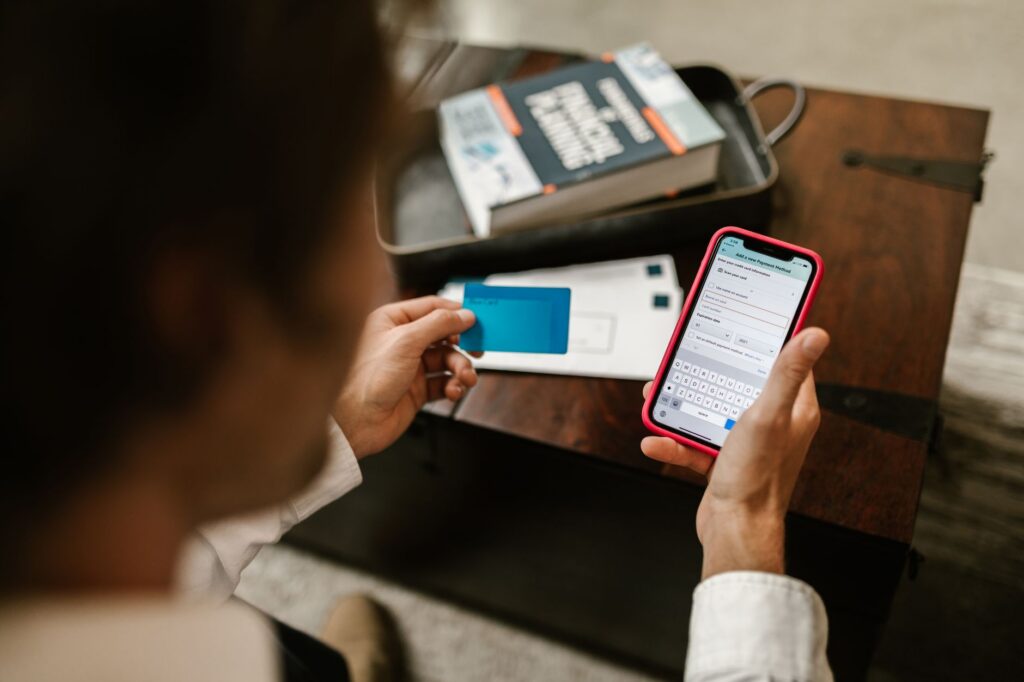
A bank app that will not open, load balances or log you in is a local problem more often than a bank outage, but a quick set of checks settles it. Try the bank’s website on another device, try mobile data instead of Wi-Fi, and look at the bank’s live status on a neutral page such as our Chase status, Bank of America status or Wells Fargo status. Do not send a payment a second time to “make it go through.”
How do I tell if my bank is down or it is just my phone?
Work through these checks in order. Each one rules out a different cause, and the whole list takes a few minutes.
- Try a second way in. If the app fails, open the bank’s website in a browser. If the website fails, try the app. A problem with only one of them points to that one channel, not the whole bank.
- Try a second device. A laptop, a tablet or a family member’s phone on the same account tells you whether the problem follows your account or your device.
- Switch networks. Turn Wi-Fi off and use mobile data, or the other way round. Our guide on why a site works on mobile data but not Wi-Fi explains what a difference between the two means.
- Look at an independent status page. Banks rarely run a public status page, so a monitoring page that collects reports is often the quickest check. See our two-minute test for down or just you.
- Check the bank’s own channels from a different device. Banks often post service notices on the login page, in the app’s home screen or on their official social media accounts. A banner on the login page is a stronger signal than a social media reply.
- Update the app and the phone. Open the official app store (App Store or Google Play) and install any pending update for the bank’s app. Then install pending system updates and restart the phone.
What does it mean when only some features fail?
When the app opens but a single feature fails, the bank has usually had a partial problem or a planned maintenance window. Typical partial failures are balances that do not refresh, transfers that will not submit, or a card control that does not respond. Banks publish scheduled maintenance times in their help centers, and many apps show a notice before the window starts.
| What you see | Likely side | What to do |
|---|---|---|
| App will not open at all | Your phone or the app | Update the app, restart the phone, then try the website |
| Login works on the website but not in the app | The app or your device | Update or reinstall from the official store, then try again |
| Fails on every device and network | The bank | Wait, check the bank’s official notices, try again later |
| Works on mobile data, fails on Wi-Fi | Your router, DNS or VPN | Restart the router, turn off any VPN, compare networks |
| Balance old, payment will not submit | Possibly a partial bank problem | Do not retry; check the transaction list first |
How do I avoid paying twice when an app freezes?
Never resubmit a payment, transfer or bill pay until you have checked whether the first one went through. A frozen screen does not mean the request failed. The bank may have received it and failed only to show the confirmation.
- Sign in again from a clean start and open the pending and recent transactions list.
- Look for a pending item with the amount and payee. A pending payment may take a short time to appear.
- If you still cannot see the payment, check your email or text messages for a confirmation from the bank.
- If the status is unclear after the bank is working again, contact the bank through its official channel and ask them to confirm before you send anything a second time.
This rule matters most for rent, taxes, loan payments and anything sent by wire, because some of those cannot be reversed easily. If a bill is due today and you cannot confirm the payment, ask the bank or the payee to note the problem, and keep the screenshot or confirmation number.
How do I contact my bank without falling for a fake support number?
Use only the phone number printed on the back of your card or on a recent statement, or the contact page inside the official app. The FTC warns that scammers create fake customer service information and pay for it to show up in search results. During a widely reported outage the number of people searching “bank phone number” goes up, which is exactly when these listings work best for scammers.
Keep these rules in mind:
- A real bank will not ask for your full password, a one-time code or remote access to your phone.
- Caller ID can be faked. If someone calls you about your account, hang up and call the number on your card.
- Do not follow a link in a text or email that says your account is locked because of “the outage.” Open the official app or type the bank’s address yourself.
- Do not install a “fix” or screen-sharing app on someone’s advice.
If you shared a code or sent money to a stranger, tell your bank right away and report it at ReportFraud.ftc.gov.
What can I do while the bank is down?
Most outages leave your card working. If the app is down, a debit or credit card, an ATM or a branch visit can cover the immediate need. Whether cards, ATMs and branches keep working depends on the bank and on what failed, so treat them as options to try, not as a guarantee.
Keep a note of the time the problem started and any error text. If a late fee follows because you could not pay, a dated screenshot helps when you ask the bank to review it.
Bottom line
Check a second device, a second network and a status page before you assume the bank is down. Never repeat a payment until you have seen the first one in the transaction list, and contact the bank only through the number on your card or inside the official app. For more general steps, read what to do when a big service is down.
FAQ
Why does my bank app say “something went wrong”?
The message is generic, so it can come from your connection, an old app version or the bank’s servers. Try the website, another network and an app update before you contact the bank.
Is it safe to use public Wi-Fi to check my bank during an outage?
Mobile data is the safer choice for banking. If you must use public Wi-Fi, use the official app, not a link someone sent you.
Should I delete and reinstall my bank app?
Only after simpler checks fail, and only from the official App Store or Google Play. Make sure you have your login details first, since you will need them again.
Will my bank refund a fee caused by an outage?
That depends on the bank and your account terms. Ask the bank through its official channel and keep a dated screenshot of the error.